

A better-behaved desktop, every day
The October update is here with improvements to how Minimalist Desktop interacts with Windows and a simpler background runtime. This release builds on August's Smart Icons & Performance Update.
Right-click menus stay where they belong
Minimalist Desktop now limits its desktop-menu handling to menus owned by the Windows desktop shell. A menu opened in another application is no longer treated as a desktop menu and dismissed by Minimalist Desktop.
That means fewer interruptions when you move between your workspace and the apps you use alongside it.
Less background report collection
The custom crash and hang report collector has been removed, together with its heartbeat and reporting hooks. Minimalist Desktop no longer runs that collector in the background or writes its custom CrashReports files.
This change concerns Minimalist Desktop's own collector; Windows and Steam diagnostics follow their own settings.
Your workspace, your workflow
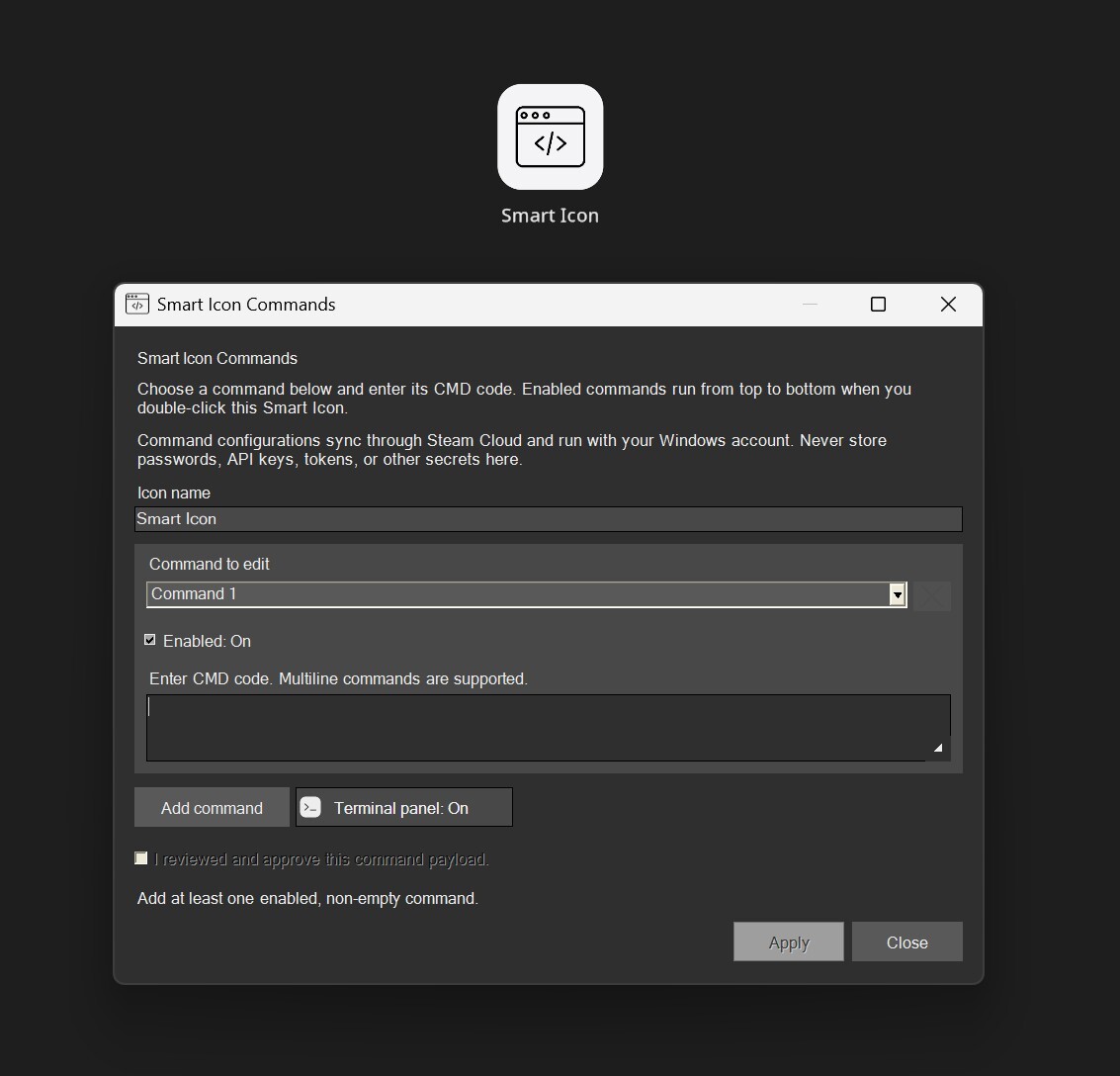
Smart Icons remain a quick way to run your own Windows CMD workflows from your desktop. If you missed the August update, add a Smart Icon from the edit menu, configure your command blocks, and double-click when you want to run them.
Thanks for your feedback
Your reports help improve the everyday details. If you encounter a problem, share the steps to reproduce it and your monitor setup in the Steam discussions. Thank you for using Minimalist Desktop.
Changed files in this update