

Ever since v0.2 brought in the City Map, players have asked whether roads and city content could be generated for them. Drawing every street across a country with dozens of settlements costs a lot of time, so this update (v0.2.11) adds a first version of automatic city building, plus an editor for the opening map and a round of performance work on large networks. Old saves load as usual.
In the following video we take Zanwick through the City Map. We reshape its coastline, reclaim land for a port and join two expressways with an interchange, then let auto-build lay the streets and fill the blocks. After zoning a few blocks by hand, we plan a trip from the airport to City Hall.
One button, and the city grows
Auto-build city sits in the dock next to Zoning, and it generates nothing until you press it. One press of Generate road network does three things, each undoable on its own:
It takes over macro railways that reach the city as city rail. Tracks only; stations are still yours.
It lays another ring of streets outside what is already built. Large green areas are kept, with a street along their edge.
It brings the national roads and railways this city has adopted into town, stopping them at the streets laid this round.
Then Fill blocks grows buildings on the empty blocks. Everything it makes is an ordinary road or area you can reshape, rename or delete, and it never places stations, rail transit, operating lines or buses. Full reset empties the city again in one undo step.
Pick how the city is shaped
Street pattern | Modelled after |
|---|---|
Gridiron | Manhattan, Chicago |
Softened grid | Melbourne, Toronto |
Organic | Prague, Lisbon |
Superblocks | Beijing, Brasilia |
Fine grain | Tokyo, Kyoto |
The game proposes one from the city's terrain, and the first round locks the choice in. Two cities on the same pattern still differ in block spacing and in the angle between their two axes, and the grid lines up with the national roads coming into town.
Shape the opening map
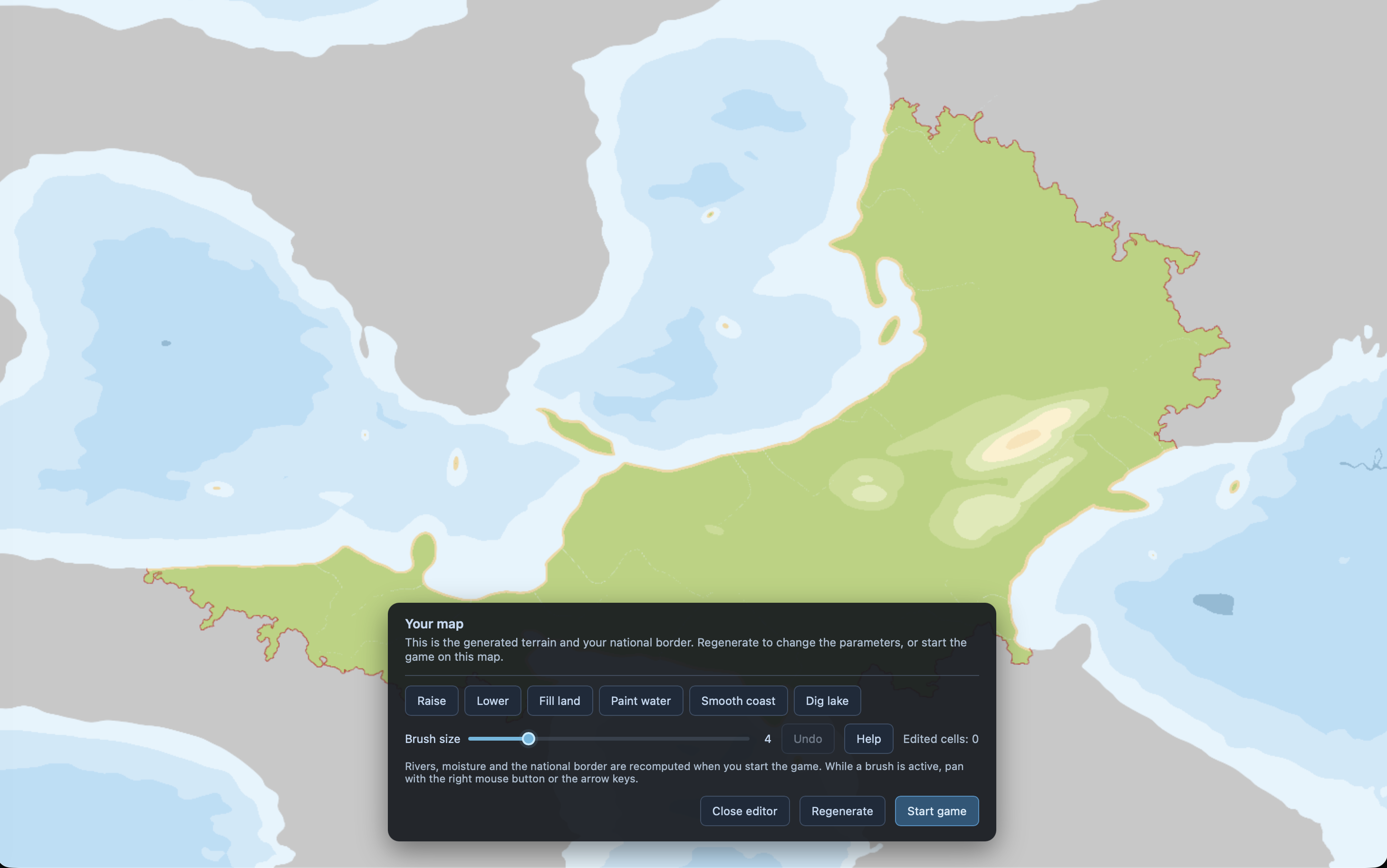
New nations land on a map preview first, with an Edit terrain button: six brushes to raise or lower land, smooth a coast, paint water or dig a lake. Once the game starts the terrain is fixed, and rivers, provinces and settlements are generated on the map you edited.
Large networks stutter less
Editing a rail line or a port terminal used to freeze the interface for around 10 seconds on our large testing saves; that work now runs on a background thread and the wait is about one second. The longest single stall dropped from 10.1 seconds to roughly 1.5, and memory use came down with it. None of the results changed: the assignment output was compared against the old implementation value by value, with zero differences.
Changed files in this update